Wallet Tab (WooCommerce)
Use this tab to monitor and add to your balance.
To open this tab, go . The following UI is displayed:
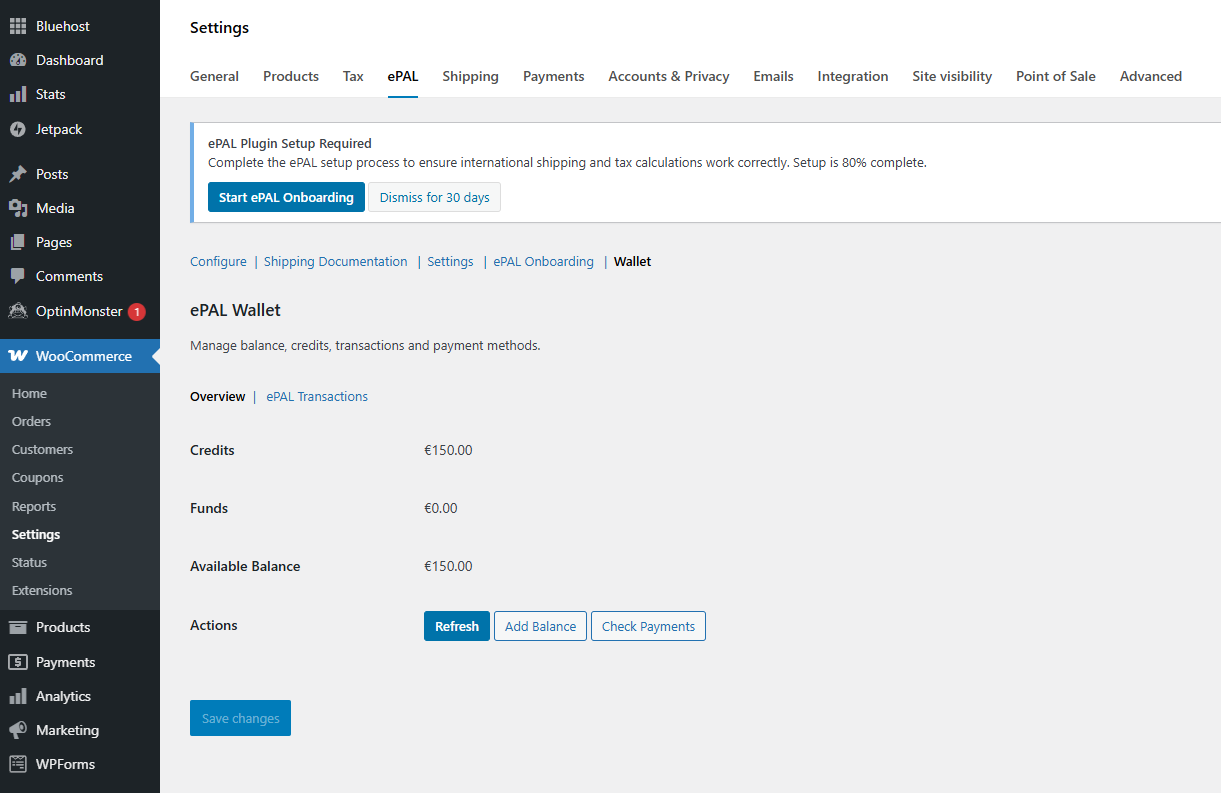
Overview
The Overview tab contains the following fields:
| Field | Description |
|---|---|
| Credits | The remaining credits on your ePAL account. |
| Funds | The funds in your account. |
| Available Balance | The balance of your account. |
| Actions | You can use the following action buttons:
|
ePAL Transactions
The ePAL Transactions section provides details on your transactions.
| Column Header | Description |
|---|---|