Configuring the Shippo Connection (WooCommerce)
If you are a Shippo customer, you can configure the connection from ePAL to Shippo.
To configure your Shippo connection, complete the following steps:
- Go to the ePAL Portal.
- Click Providers. The following UI is displayed:
Figure 1. Providers UI 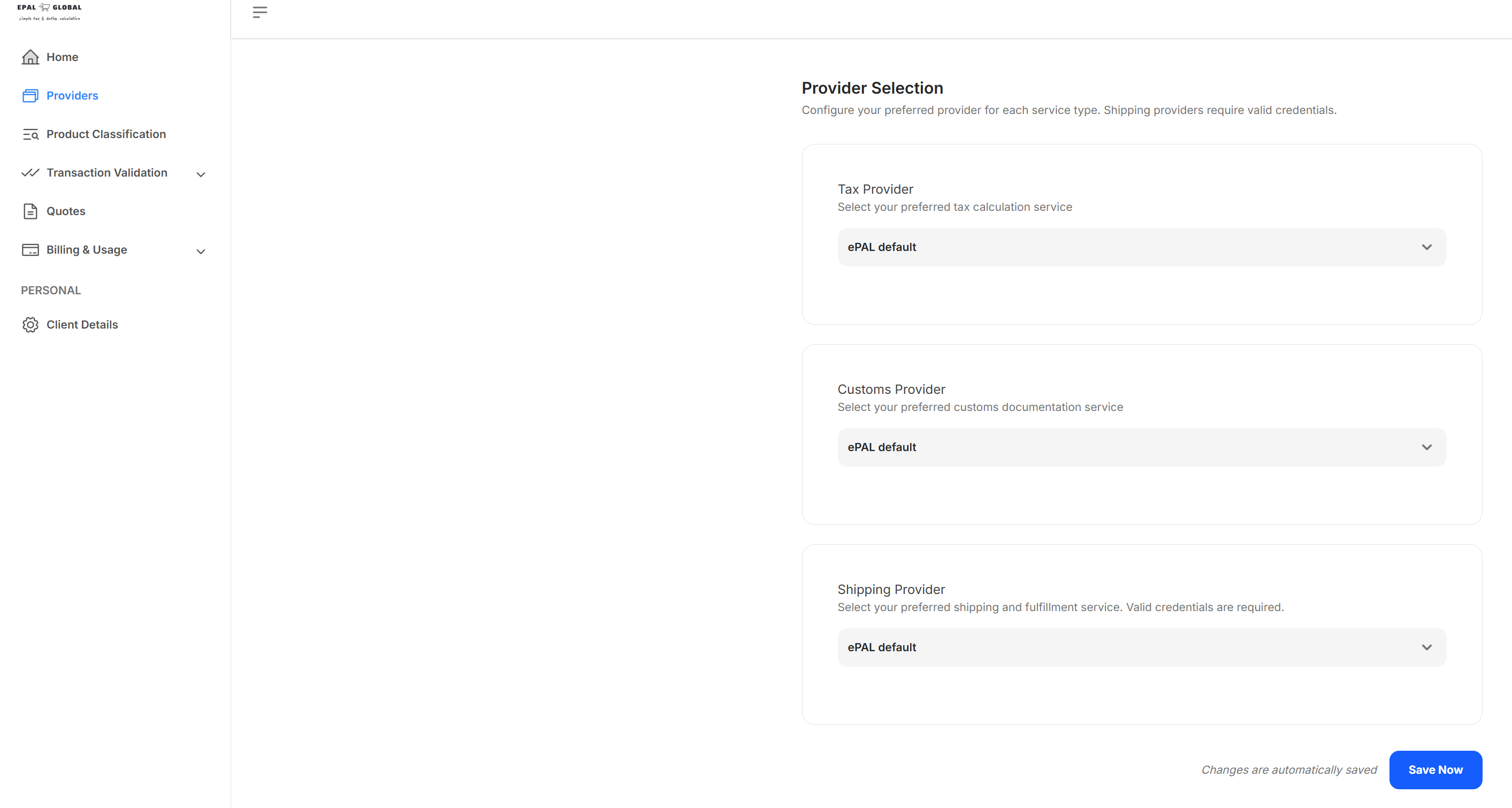
- Choose Shippo from the Shipping
Provider field. The following UI is displayed:
Figure 2. Shippo Login UI 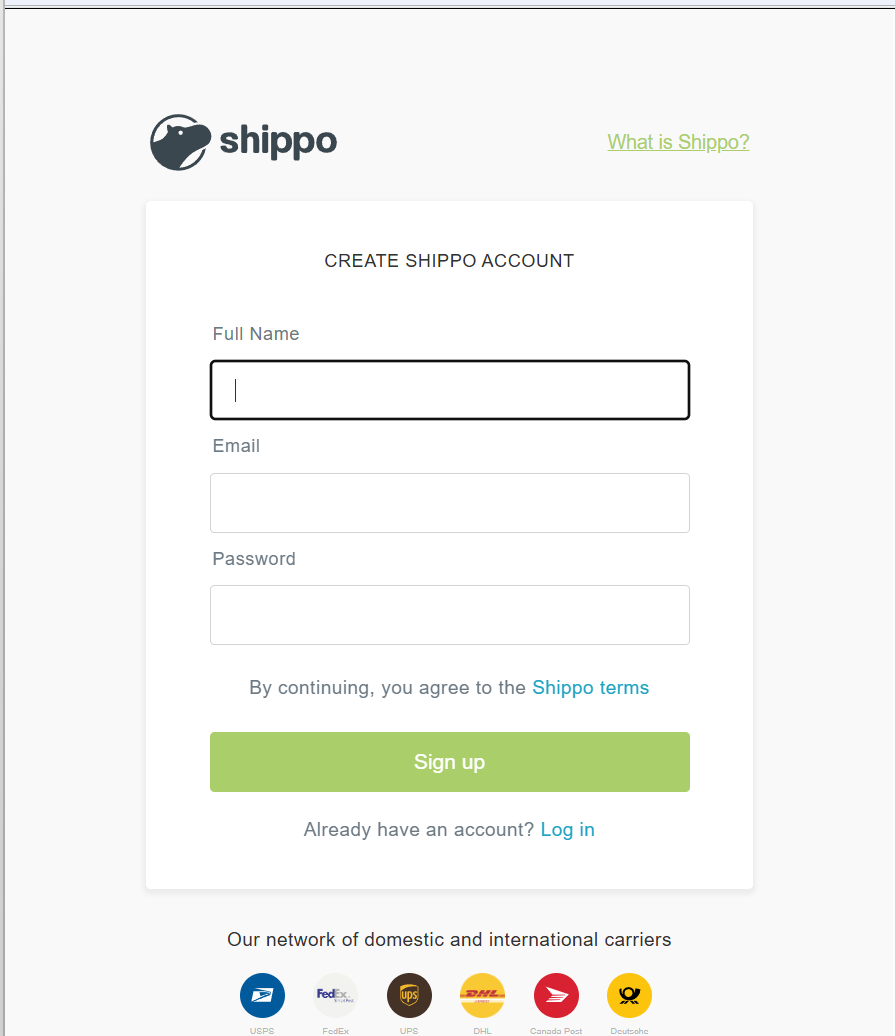
- Now, open the WooCommerce Setup UI and click Test Connection to verify that the connection is working.