Removals and Reinstallations (WooCommerce)
This topic describes how to remove and reinstall the plugin.
Removing the Plugin
Before you can delete the plugin, you must deactivate it. To do so, select the ePAL Integration Plugin and click Deactivate from the dropdown list and click Apply.
Once the plugin is deactivated, you can delete it. Select the ePAL Integration Plugin. From the actions dropdown list, click Delete and click Apply.
Reinstalling the Plugin
After you have removed the plugin, you can reinstall it. For more information about how to install it, see
Resetting the Plugin
When reinstalling the plugin, you are able to reset the values that have been saved for your last installation using the following UI:
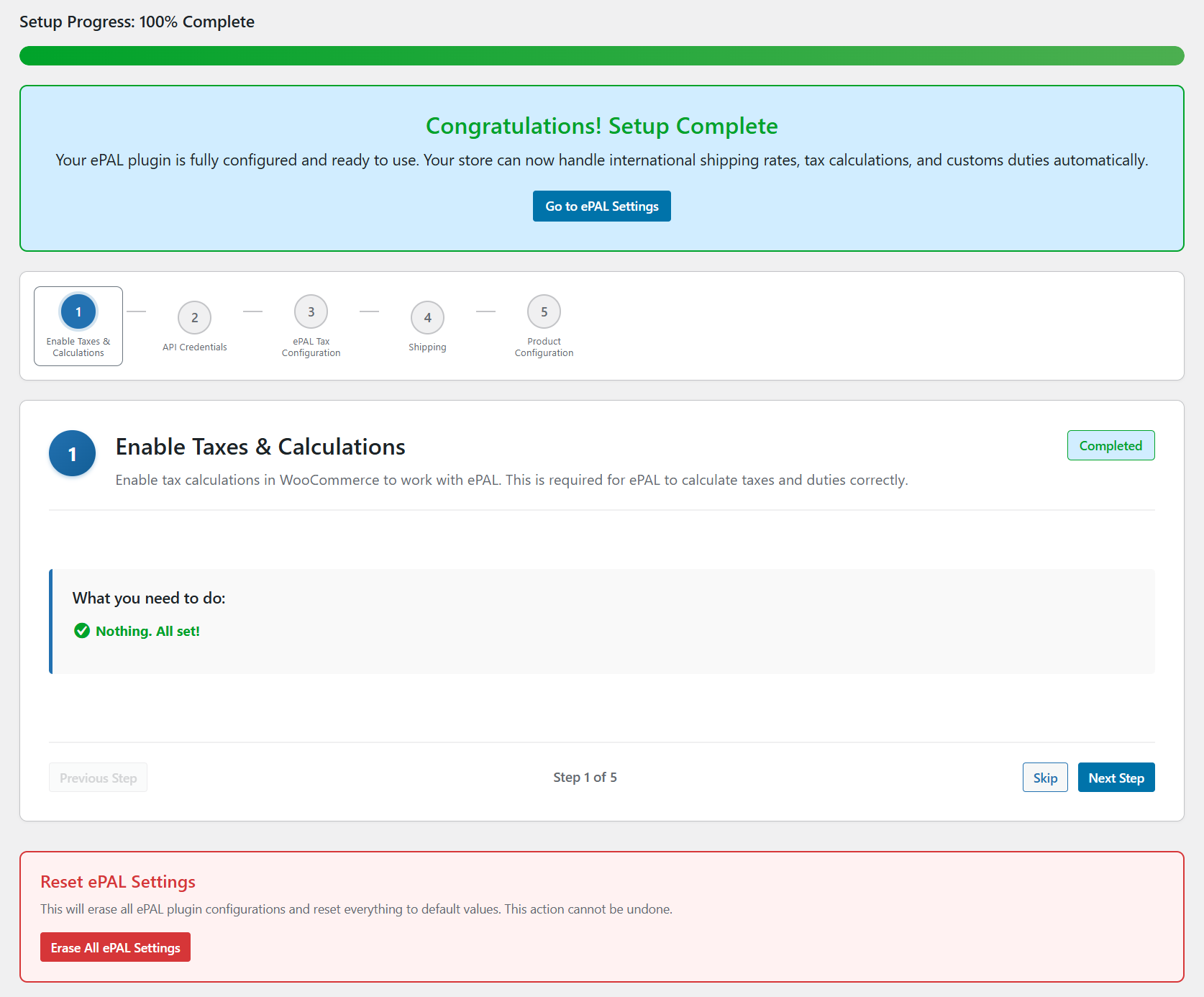
Review the warning message and click Ok to proceed.
Enter RESET in the text box when prompted.
Duplicate Installations
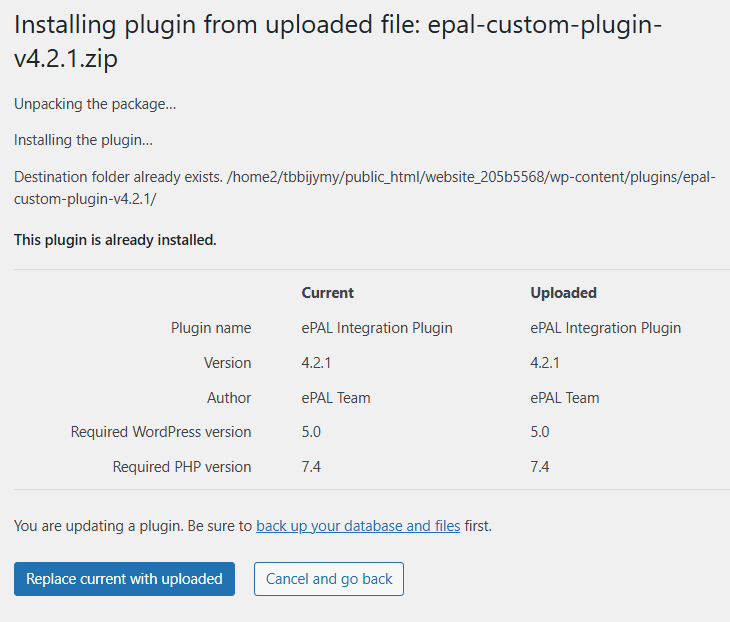
If you have already installed it, the following UI is displayed to inform you and ask if you want to proceed: