Sanctions and Restrictions UI
Use this UI to check import, export and transport codes.
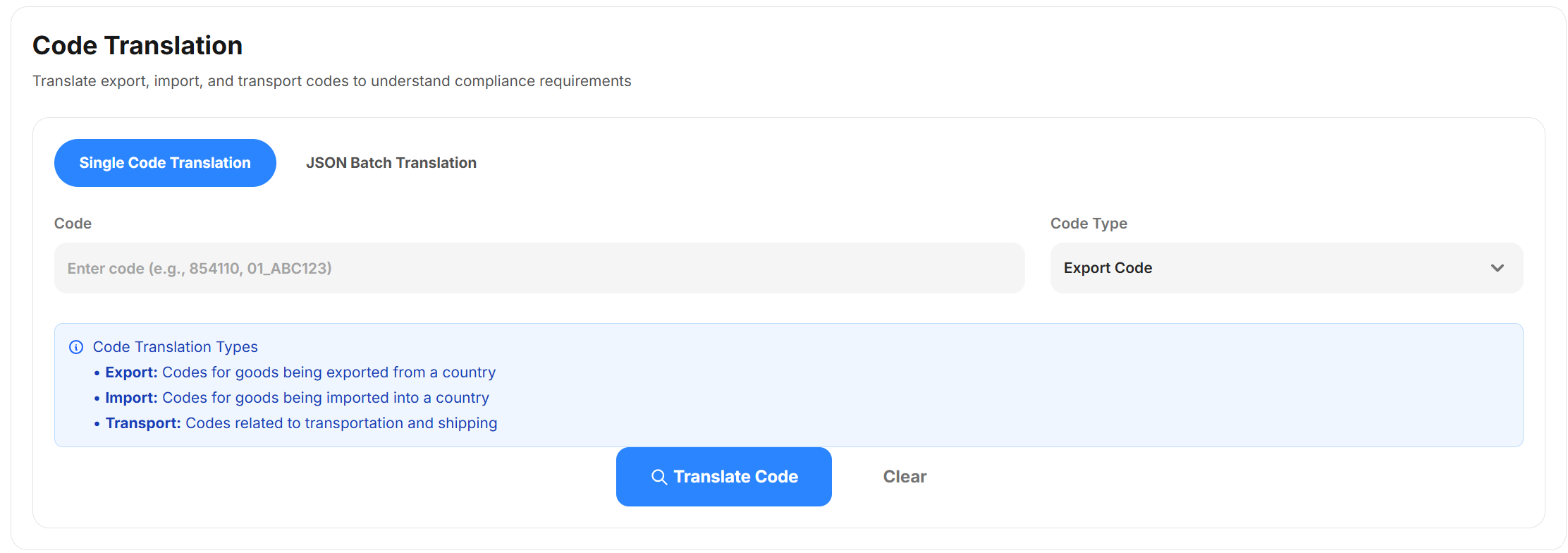
To open this UI, open the ePAL Portal and click . The following UI is displayed:
Use this UI to check import, export and transport codes.
To open this UI, open the ePAL Portal and click . The following UI is displayed: