Product Classification
Use this UI to classify products and export the results.
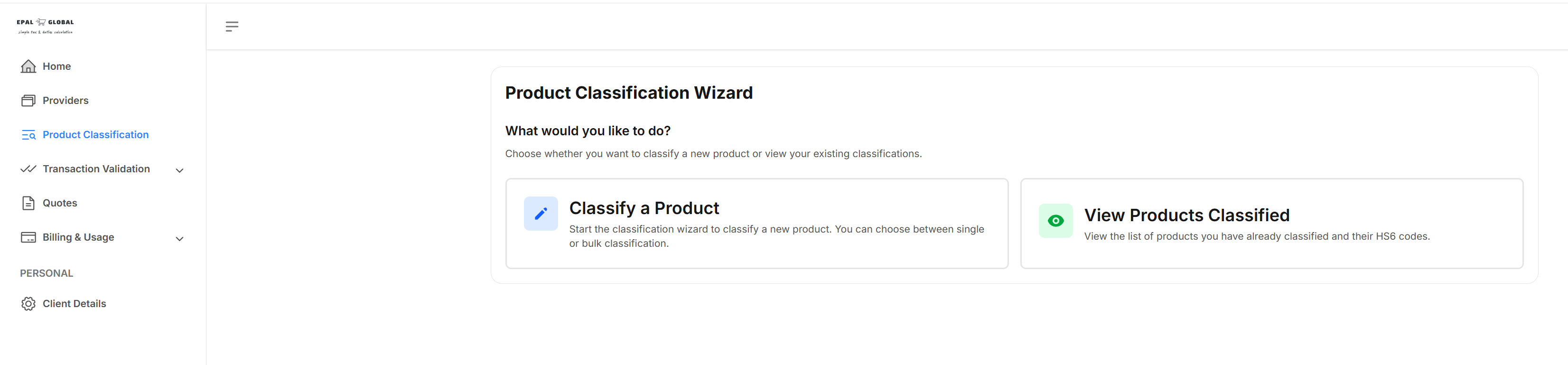
To open this UI, click Product Classification on the side panel. The following UI is displayed:
Classifying Products
To classify a product, click Classify a Product. The product classification wizard is launched. You can classify products. For more information about how to use this, see the Product Classification Wizard topic.
You can classify a single product. For more information, see the Classifying a Single Product topic.
You can also classify a number of products in a single batch. For more information, see the Bulk Product Classification topic.
Existing Product Classifications
To view existing product classifications, click View Products Classified.
Exports
You can also export product classifications.