IOSS Validation UI
Use this UI to test whether a transaction qualifies for IOSS or not.
To open this UI, open the ePAL Portal and click . The following UI is displayed:
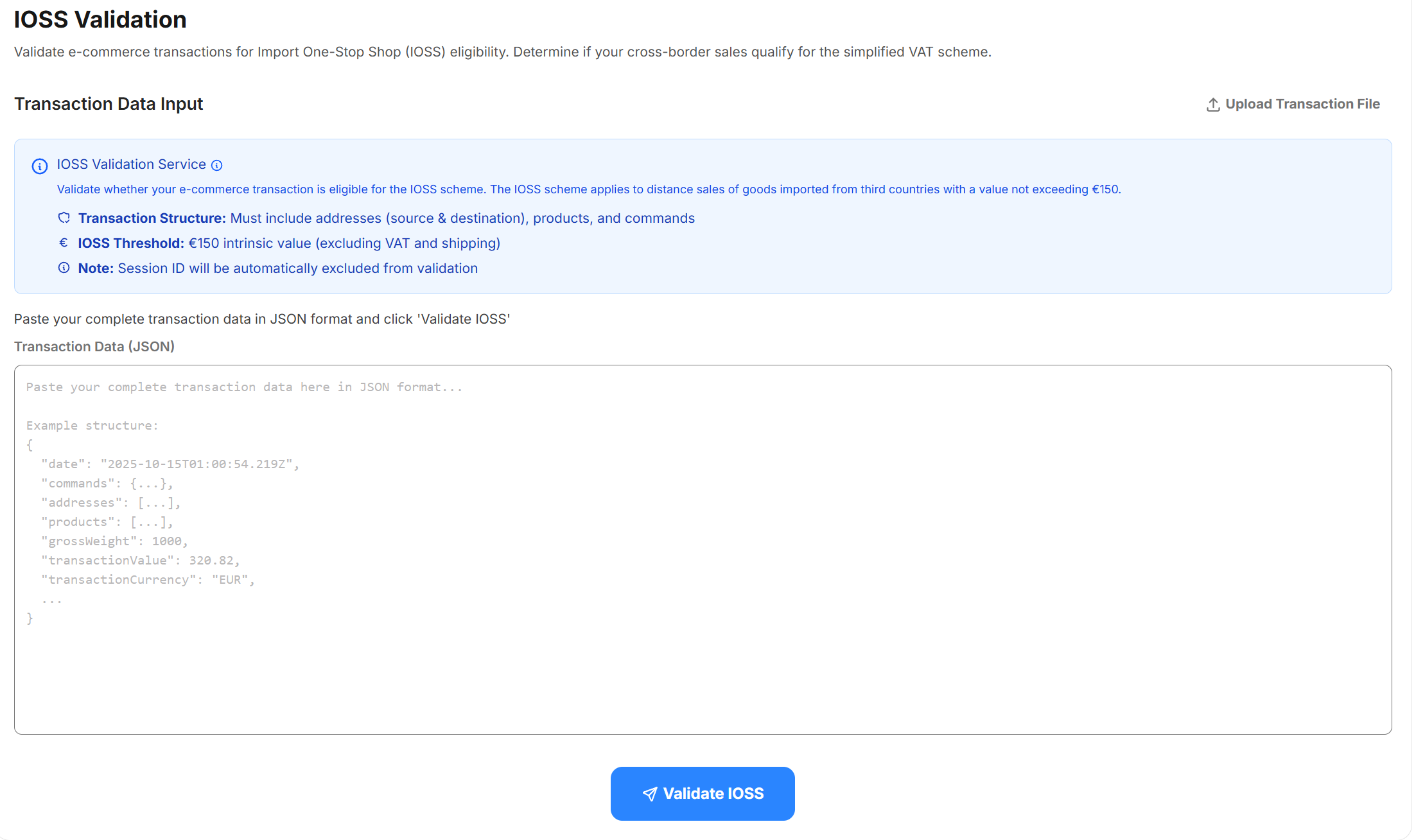
You can paste the JSON directly into the UI or you you can use the Upload Transaction File button to load it from a file.