Wallet UI
Use this UI to get an overview of your ePAL wallet.
To open this UI, open the ePAL Portal and click . The following UI is displayed:
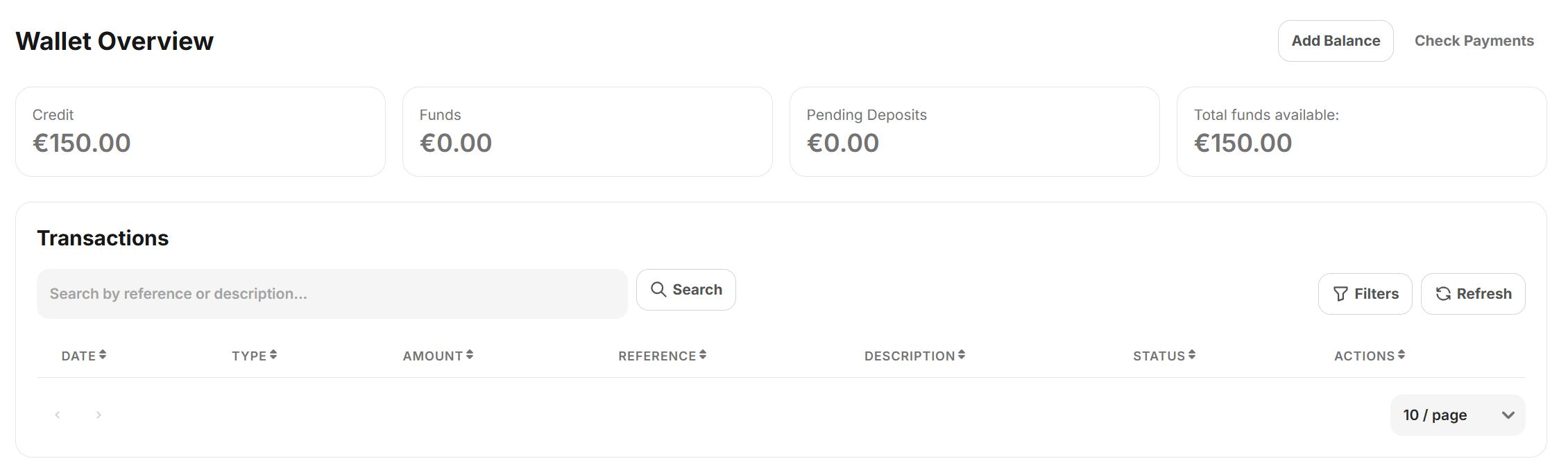
Wallet Overview
To add funds, click Add Balance. For more information, see .
You can use the Check Payments button to check your payment history.