Usage UI
Use this UI to get an overview of your usage.
To open this UI, open the ePAL Portal and click . The following UI is displayed:
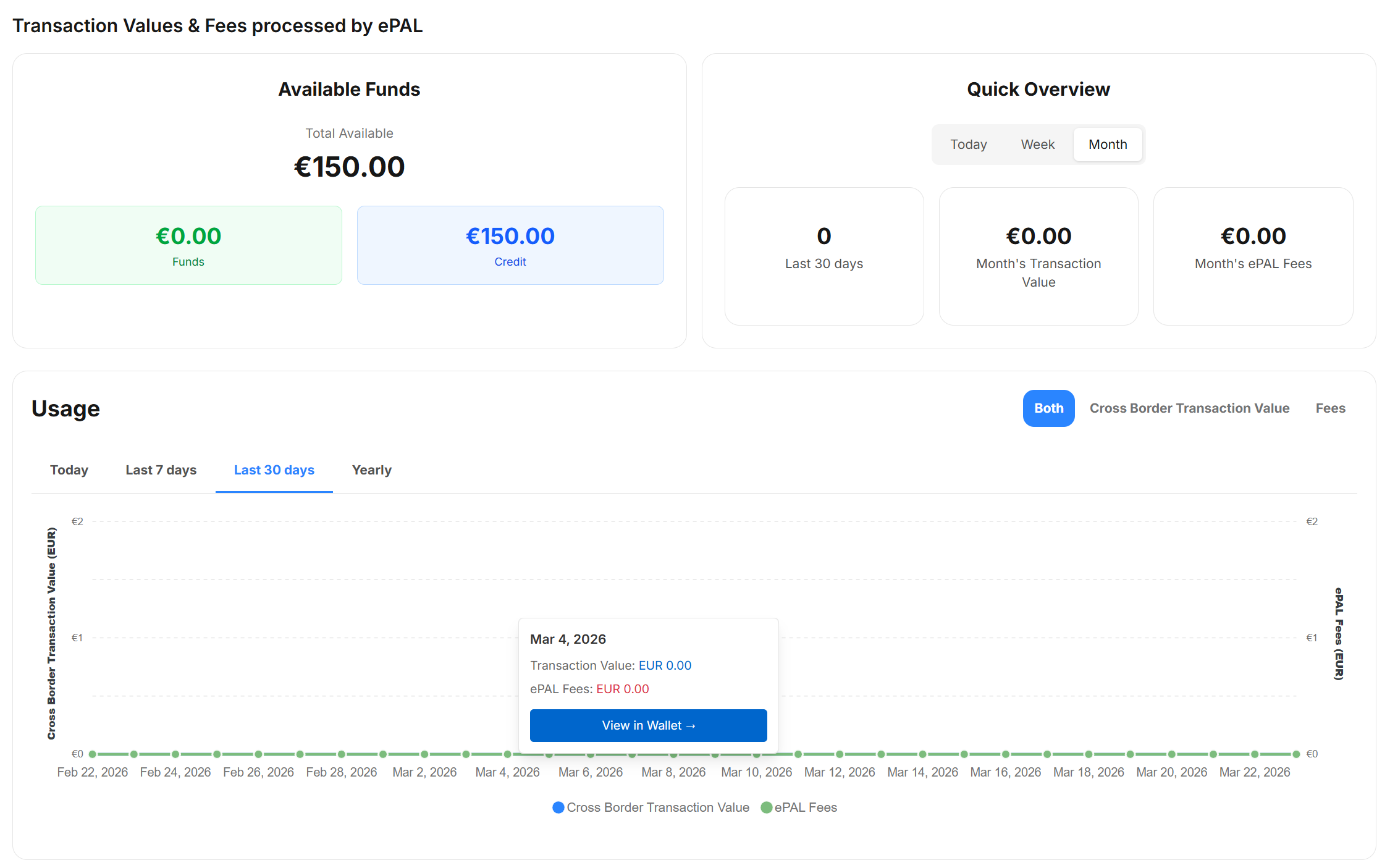
The Available Funds section shows your remaining funds and credit.
You can use the Quick Overview section to look at your ePAL transactions for today, this week or this month.
The Usage timeline shows you this ifnormation on a timeline chart. You can filter for the last 24 hours, 7 days, 30 days, or 12 months.